

The boss of your machines.
Self-hosted SSH access for your team. No open ports. No VPN. No keys on laptops.

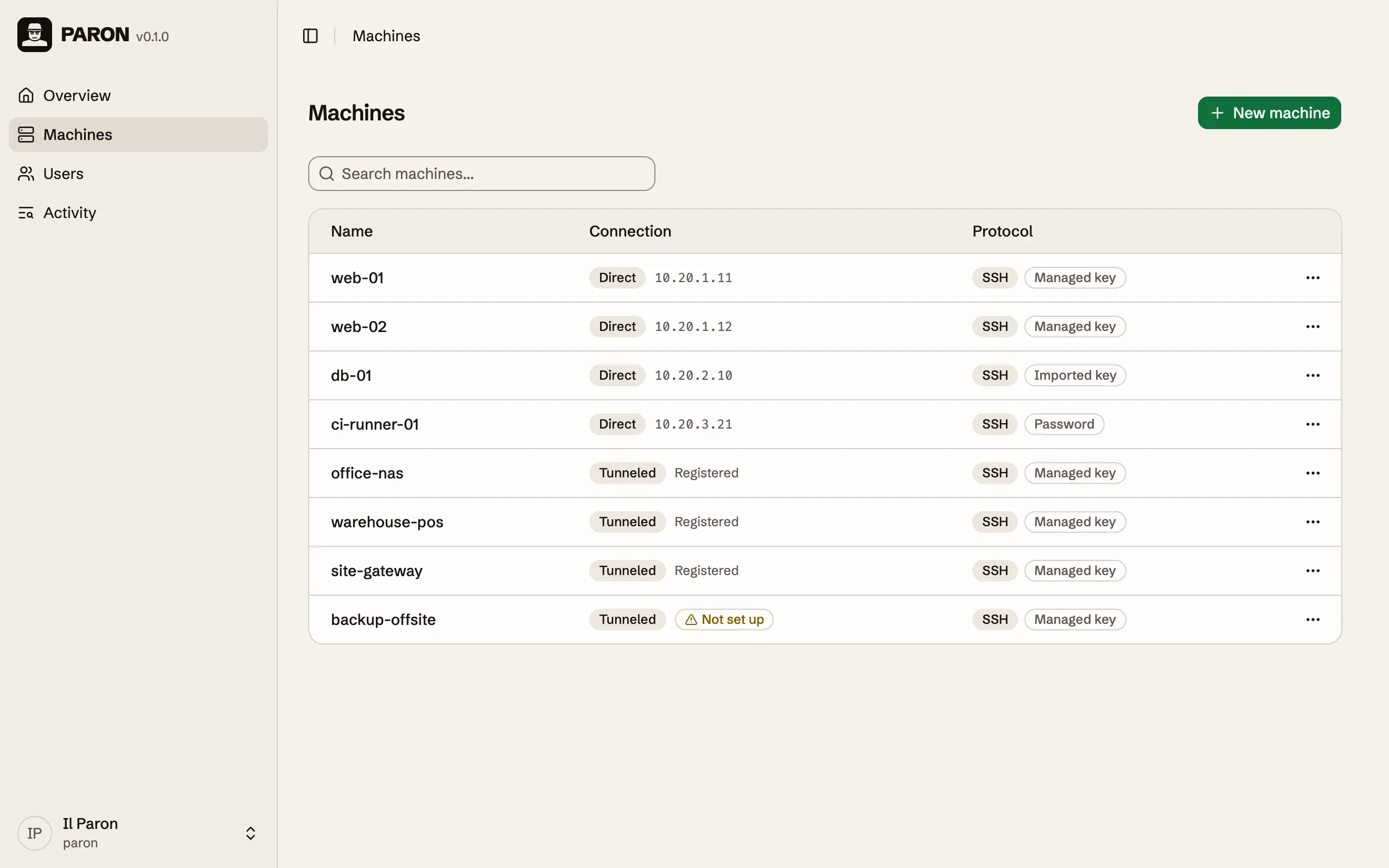
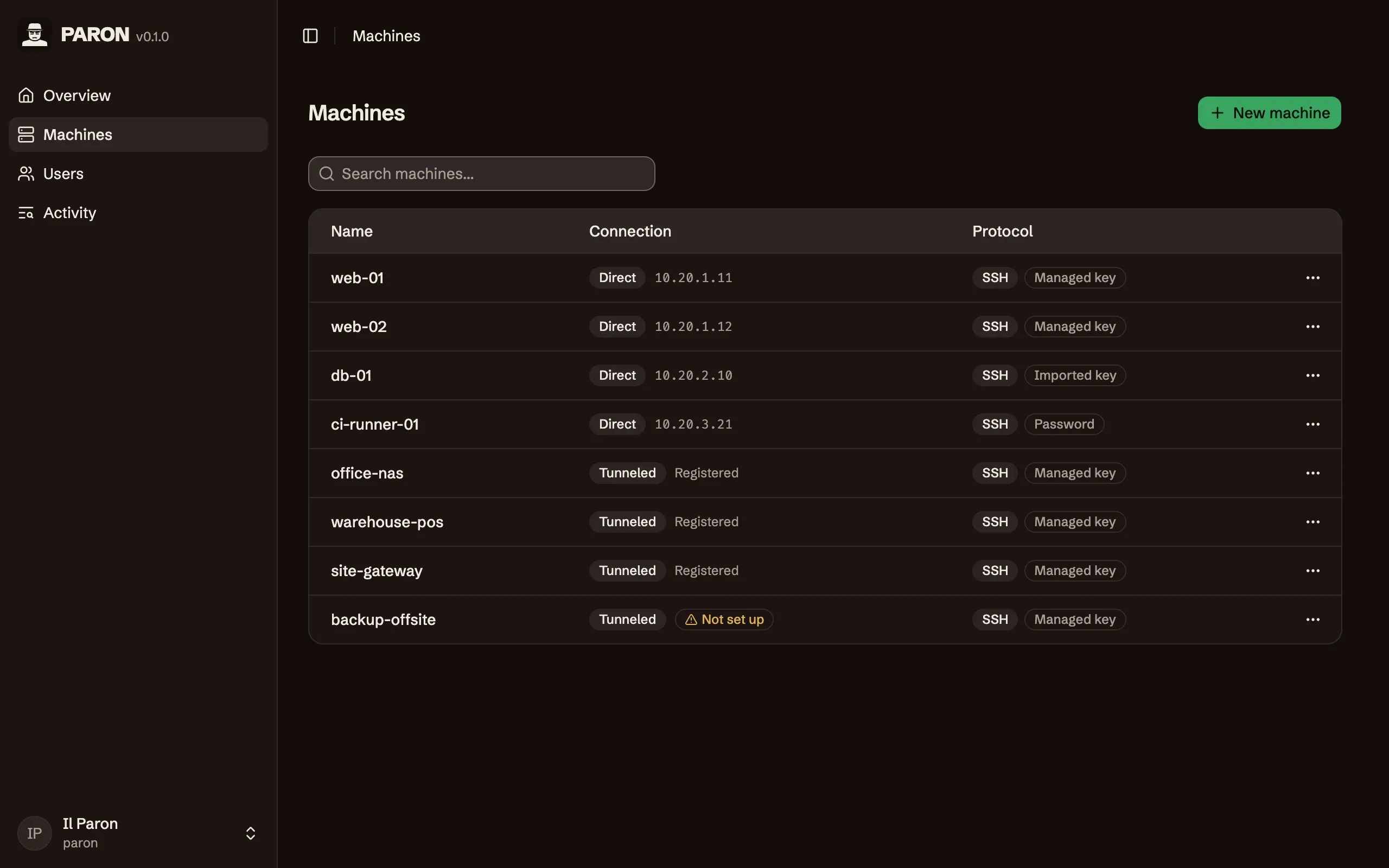
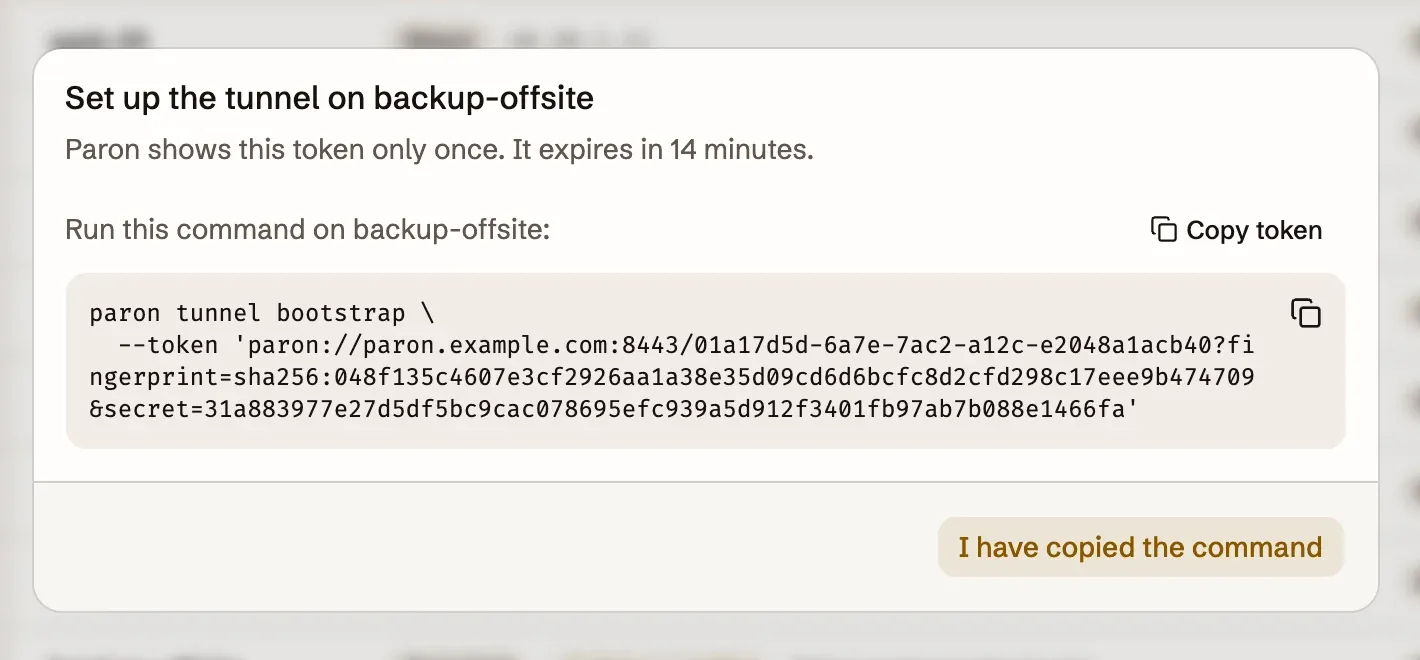
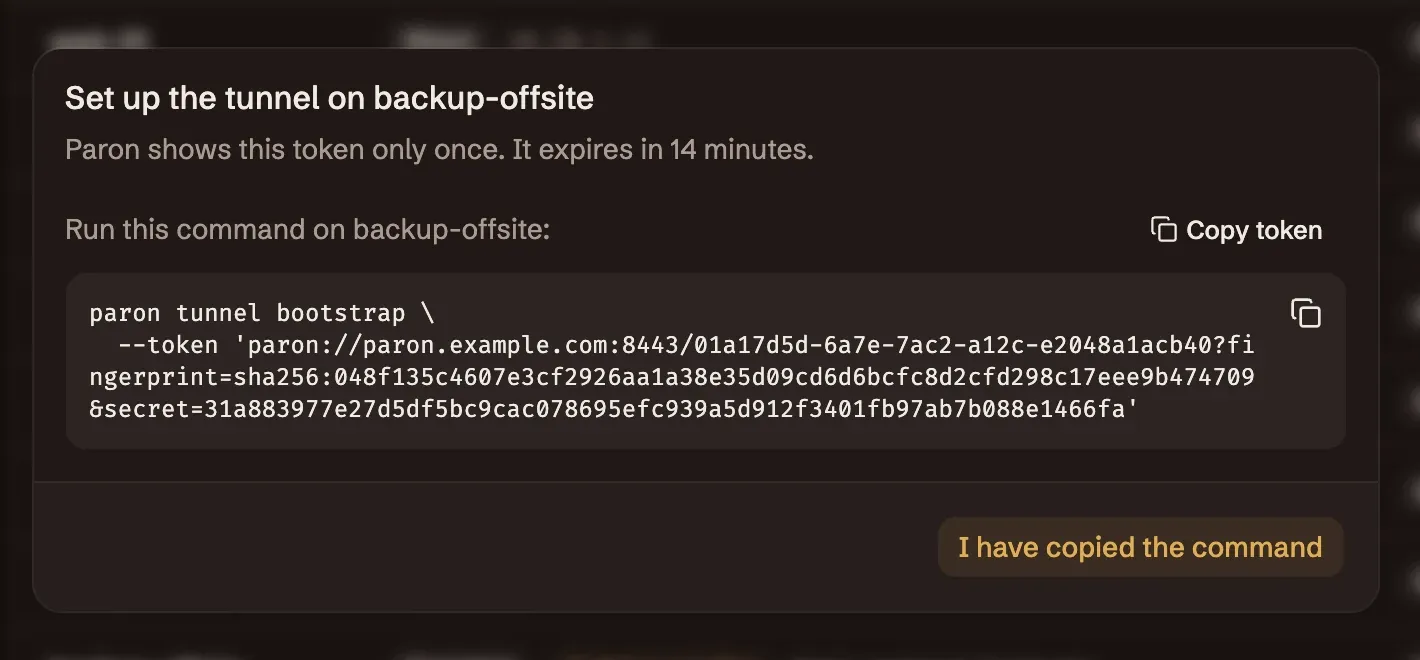
Machines behind NAT call in
On a machine that Paron cannot reach, run one command with a one-use token.
paron tunnel connects out to your server, and it connects again
by itself when the network drops. The machine needs no open port, and your
firewall stays closed.
Access without handing out keys
Paron stores the password or the private key of each machine, or generates a key for it. People sign in to Paron and open a terminal in the browser, also on a phone. When someone leaves, suspend the user. There is no key to remove from the machines.
SSH access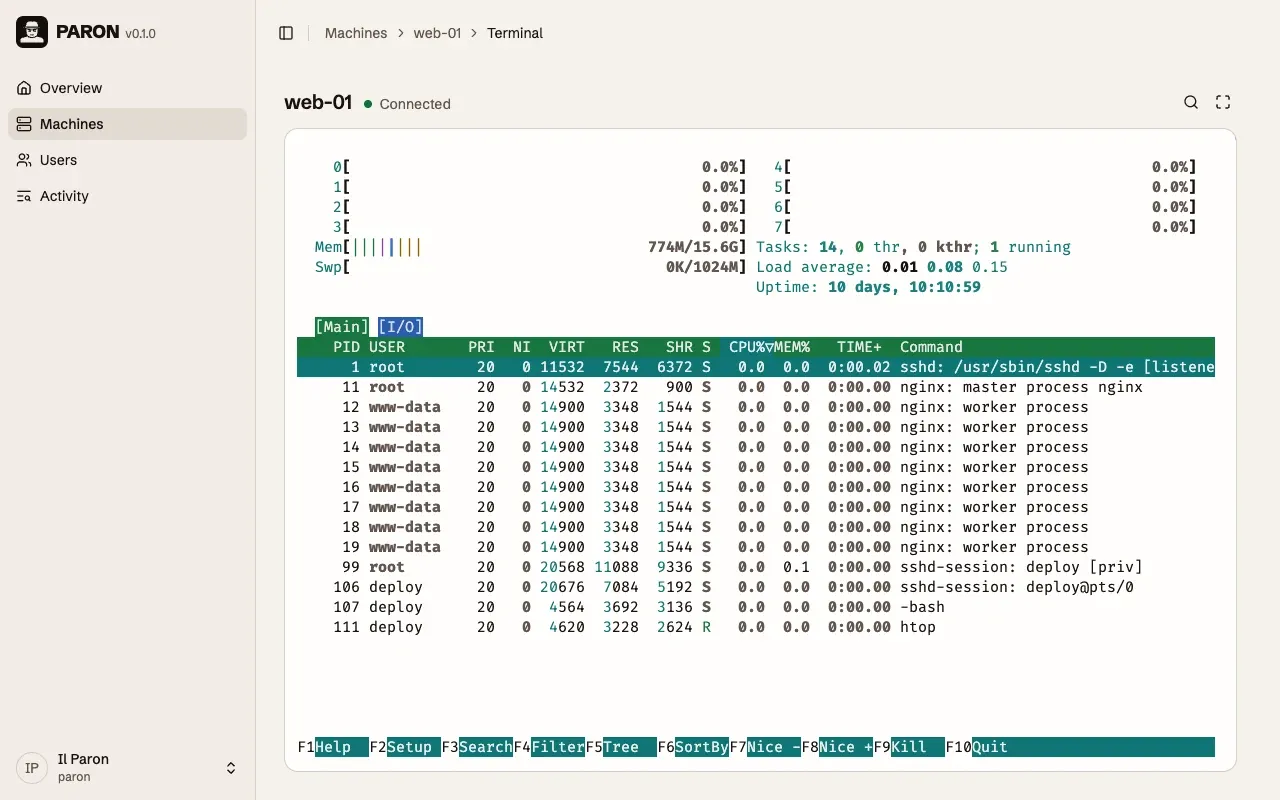
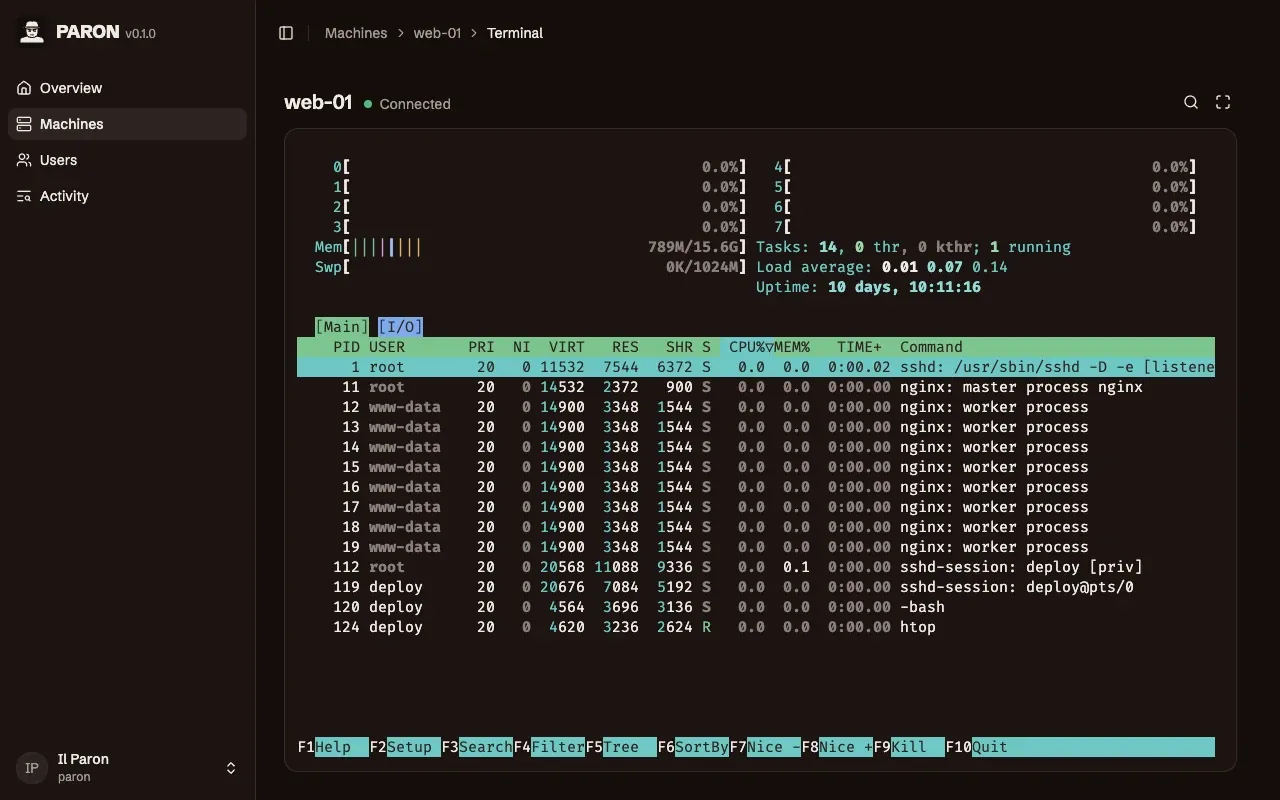
Every sign-in and terminal on record
Give each person the role Administrator or Operator. They sign in with a password, an authenticator app or a passkey. Activity lists each sign-in, each terminal and each change, and you can filter it by user or by machine.
Activity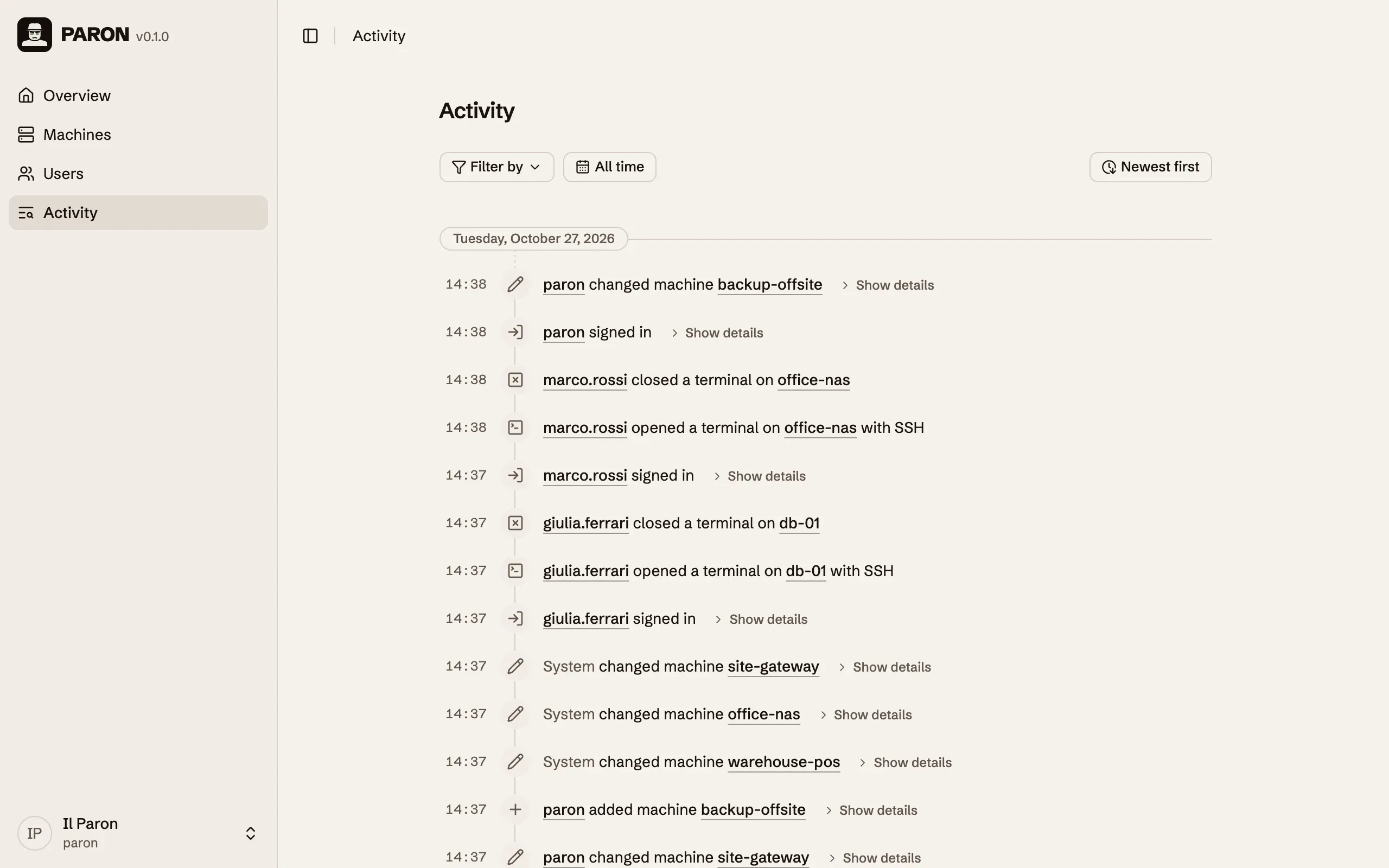
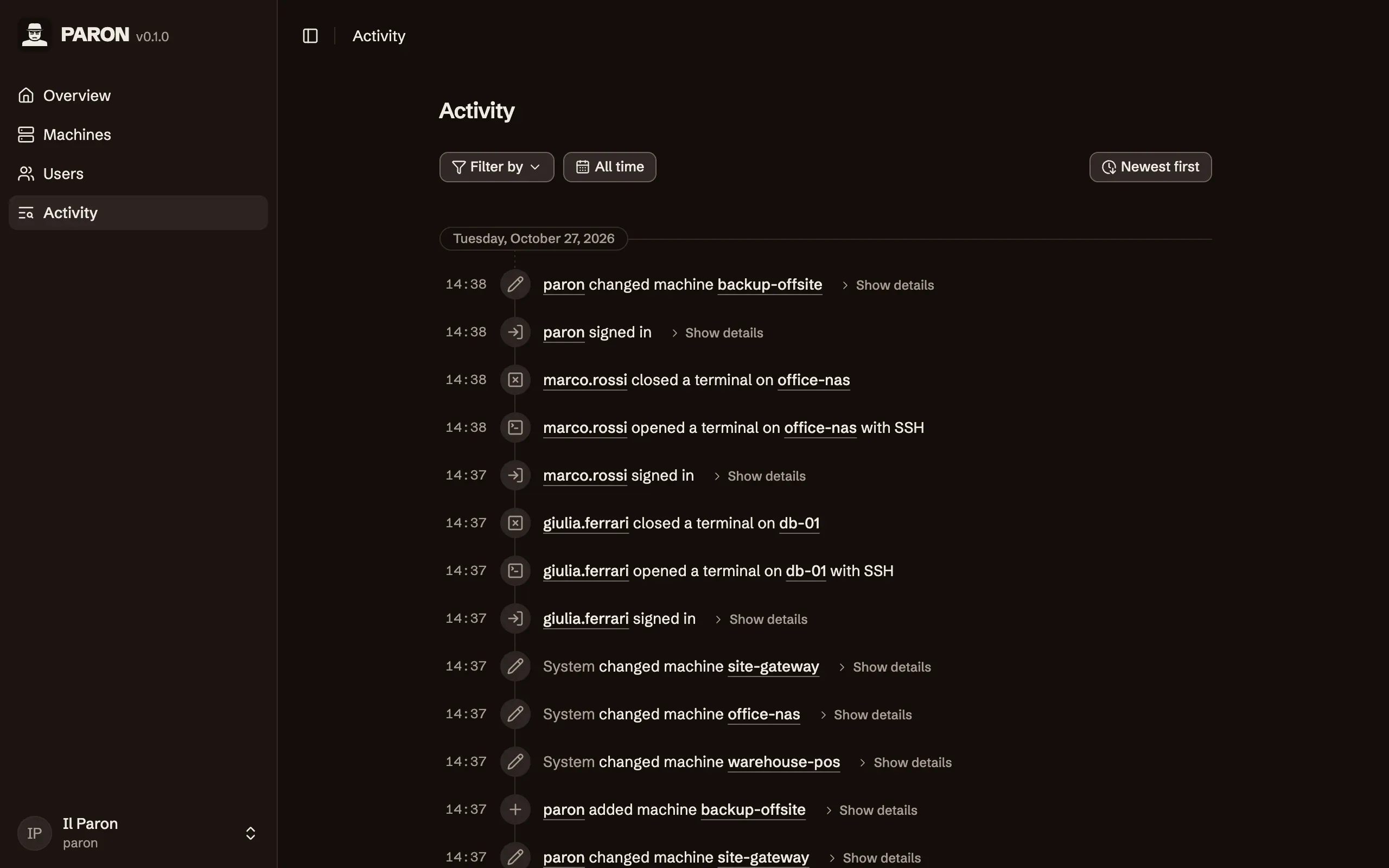
Out of the box
Section titled “Out of the box”Passkeys and authenticator apps
Sign in with a passkey alone, or add a code from an authenticator app to the password.
Recovery links
A locked-out user gets a link from an administrator. It works one time, for 24 hours.
Generated SSH keys
Paron creates an Ed25519 key pair for a machine and shows only the public key.
Host key check
Paron connects only to a machine that presents the host key on record.
Encrypted secrets
Paron encrypts each password and private key before it stores them.
Certificates
Paron gets a certificate from Let's Encrypt, or issues one from its own authority.
One-use tunnel tokens
A setup token works one time and expires after 15 minutes. Revoke a tunnel at any time.
Terminal on a phone
The terminal works on a touch screen, with the keys that a phone keyboard does not have.
Activity filters
Find an event by user, by machine, or by date.
Lockdown from the host
If an attacker has an administrator account, one command on the host suspends all users.
Binary or Docker
Install one file with a script, or run the Docker image. Run it as a system daemon if you want.
Backup of one directory
All the data of the server is in one directory. Back it up, and you back up Paron.
One program, one directory
Section titled “One program, one directory”The server, the web UI and the tunnel broker are one program, and the tunnel on a machine is the same program. It needs no database server and no second service. At the first start, Paron sets up its certificate and the first administrator.
Paron connects to machines over SSH. Users open terminals in the web UI. Paron does not record the sessions.
Install
Section titled “Install”Install paron, and set up the server:
curl -fsSL https://paron.bovolato.dev/install.sh | shparon server bootstrapIn PowerShell as administrator, install paron, and set up the server:
irm https://paron.bovolato.dev/install.ps1 | iexparon server bootstrapSave this file as docker-compose.server.yml, and set the three marked values. The URLs are the ones that your browser and your machines use
for Paron, and the first one is in links. If no URL has a public domain, remove the two lines for Let’s Encrypt.
services:  paron-server-init:    image: ghcr.io/nicolabovolato/paron:latest    command: ["server", "bootstrap"]    volumes:      - paron-server-data:/data
  paron-server:    image: ghcr.io/nicolabovolato/paron:latest    command: ["server", "run"]    restart: unless-stopped    stop_grace_period: 30s    depends_on:      paron-server-init:        condition: service_completed_successfully    read_only: true    cap_drop:      - ALL    security_opt:      - no-new-privileges:true    tmpfs:      - /tmp    volumes:      - paron-server-data:/data    ports:      - "443:8443/tcp"      - "443:8443/udp"    environment:      PARON_PUBLIC_URL: https://paron.example.com,https://paron.local      PARON_LETSENCRYPT: production      PARON_ACME_CONTACT: admin@example.com      # PARON_ACME_DIRECTORY: https://acme.zerossl.com/v2/DV90      # PARON_TRUSTED_PROXIES: 10.0.0.7,192.168.0.0/24      # PARON_TRUSTED_L7_PROXIES: 10.0.0.7,192.168.0.0/24      # PARON_MAX_CONNECTING_AGENTS: 128
volumes:  paron-server-data:
Start it:
docker compose -f docker-compose.server.yml up -dSee Install with Docker.
© 2026 Nicola Bovolato. Paron is source-available under the PolyForm Shield License 1.0.0.