
Activity
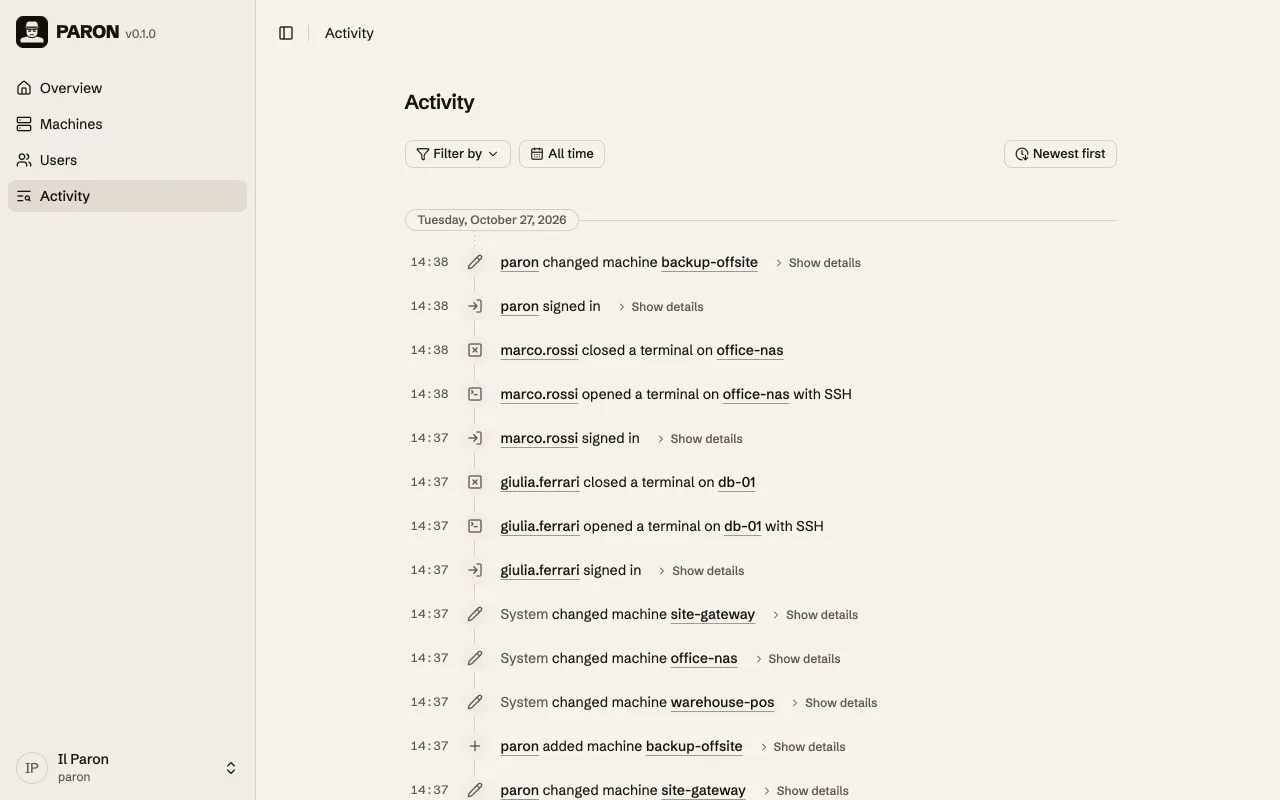
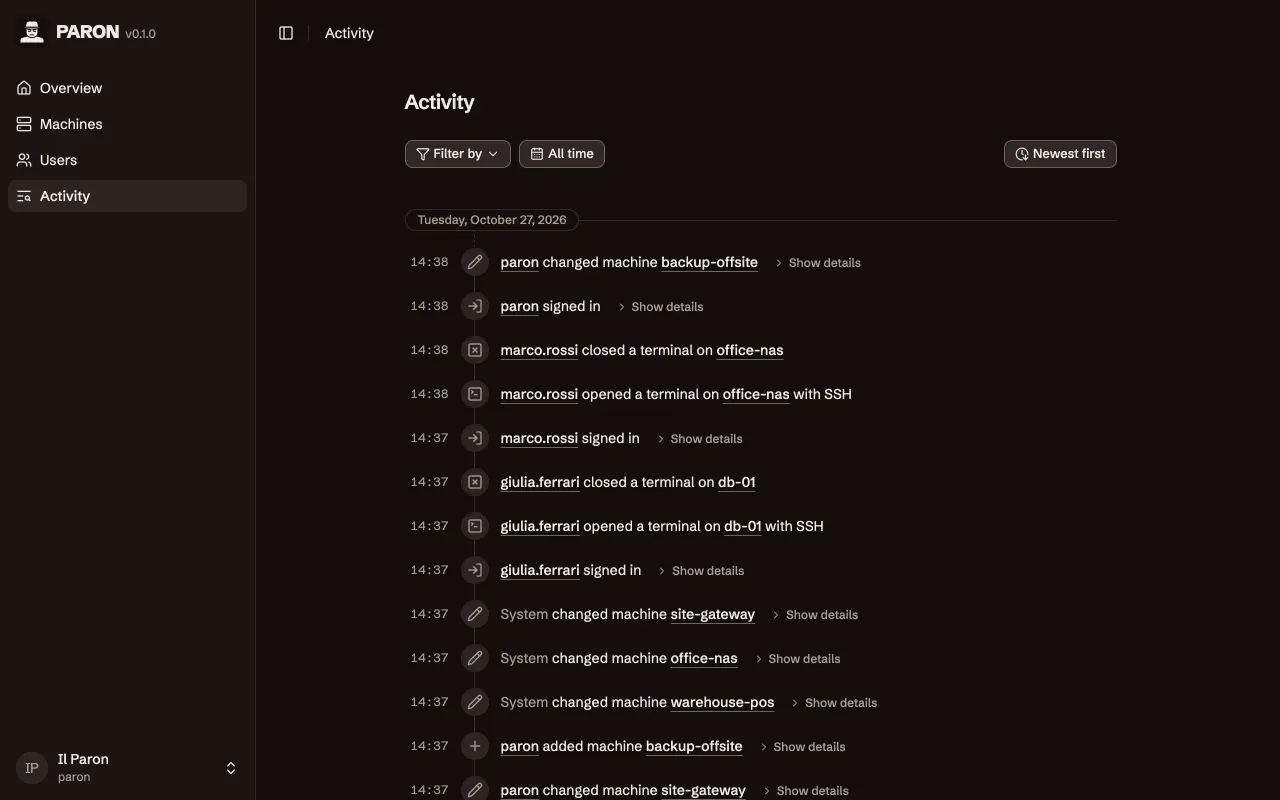
Open Activity in the sidebar for the entries of all users and machines. The page of each user and each machine has an Activity tab with only its entries.
What Paron records
Section titled “What Paron records”| Event | Details that you can open |
|---|---|
| A user signs in or signs out | For a sign-in: the methods that the user used |
| A user is added | The first values of the user |
| A user is changed | Each field before and after the change |
| A user is deleted | |
| The recovery of a user starts | The time when the recovery expires |
| A sign-in method is added or removed | |
| A machine is added | The first values of the machine |
| A machine is changed | Each field before and after the change |
| A machine is deleted | |
| A terminal opens or closes on a machine |
Each save makes an entry, also when no field changes. Each entry shows who did it, the item that it is about, and when. When Paron does something by itself, for example when it ends the sessions of a user, the entry shows System. The times are in the time zone of your browser.
Paron does not record passwords or private keys. When a user sets or changes a password, the entry says only that a password was set. When the credentials of a machine change, the entry says only that they were replaced. The host key of a machine shows as its SHA-256 fingerprint.
Who can see which entries
Section titled “Who can see which entries”No role is necessary to open Activity. Each user sees the entries about the things that their roles let them see:
| Entries | Administrator | Operator |
|---|---|---|
| About machines | yes | yes |
| About users | yes | no |
A user with no role sees no entries.
Find an event
Section titled “Find an event”- Filter by: Select User or Machine. Then type a part of the name and select the user or machine. To select a different one, click it. To remove it, click ×.
- A name in an entry: Click the name, then select an item. Filter by shows only the entries by or about that user or machine. Go to opens its page.
- All, Actions, Affected: These show when you select a user or a machine. All shows all its entries. Actions shows only the entries where it did something. Affected shows only the entries where a user or Paron did something to it.
- All time: Click it, select the days in the calendar, then click Apply. The days are in the time zone of your browser. To remove the days, click ×.
- Newest first: Click it to show the oldest entries first.
- Show details: Click it to see the fields of the entry.
- More entries: Scroll down. Paron loads more entries when you come near the end of the list.
- Back to top: This shows next to the date when you scroll down. Click it to go back to the start of the list.
© 2026 Nicola Bovolato. Paron is source-available under the PolyForm Shield License 1.0.0.